SnapPDF Pro
Scan, edit and sign PDFs, all on your phone
👥 13,000+ people use it
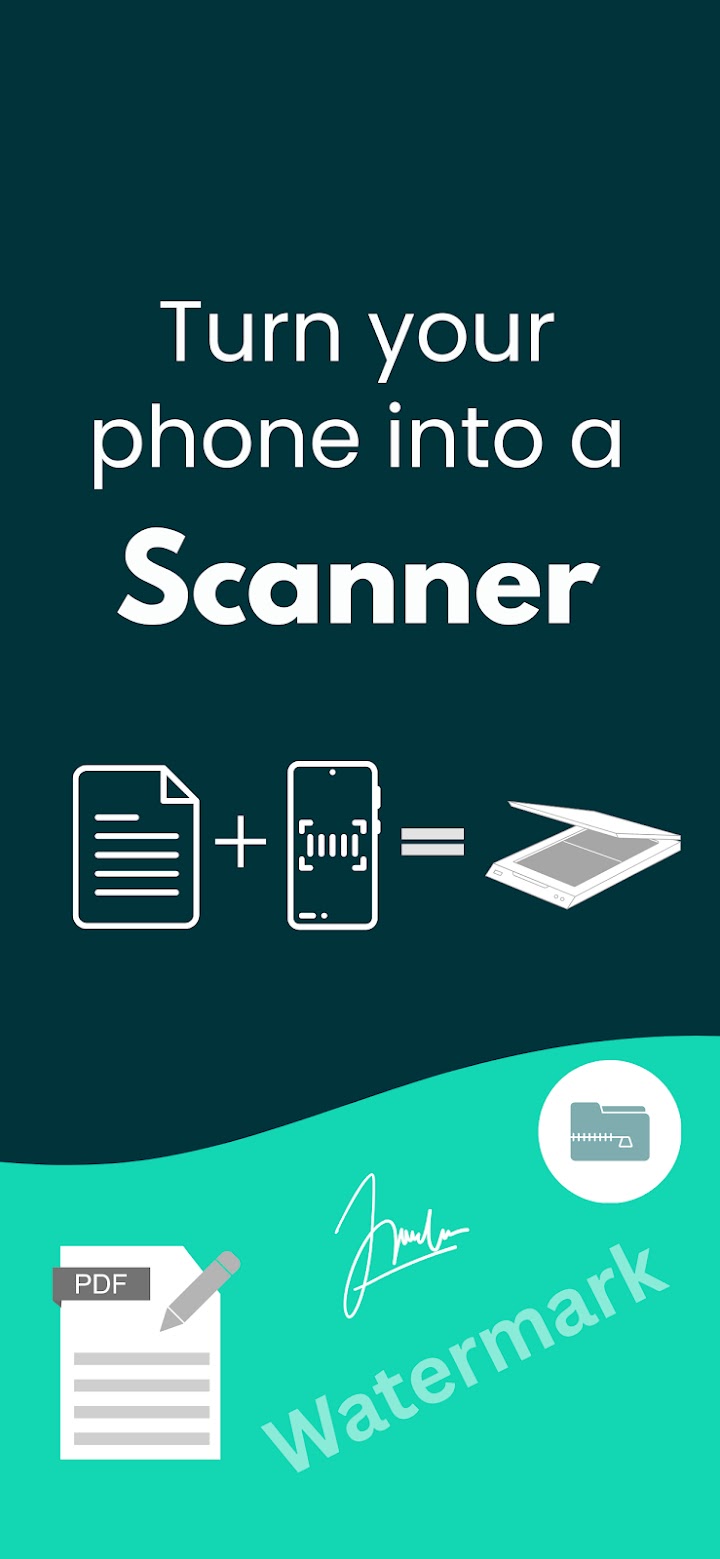
The problem it solves
Before
- You need to send a document and there is no scanner nearby
- PDFs are too big to email, or in the wrong order
- Most PDF apps want an account or a subscription for basics
→
With SnapPDF Pro
- Clean scans with the edges cropped for you
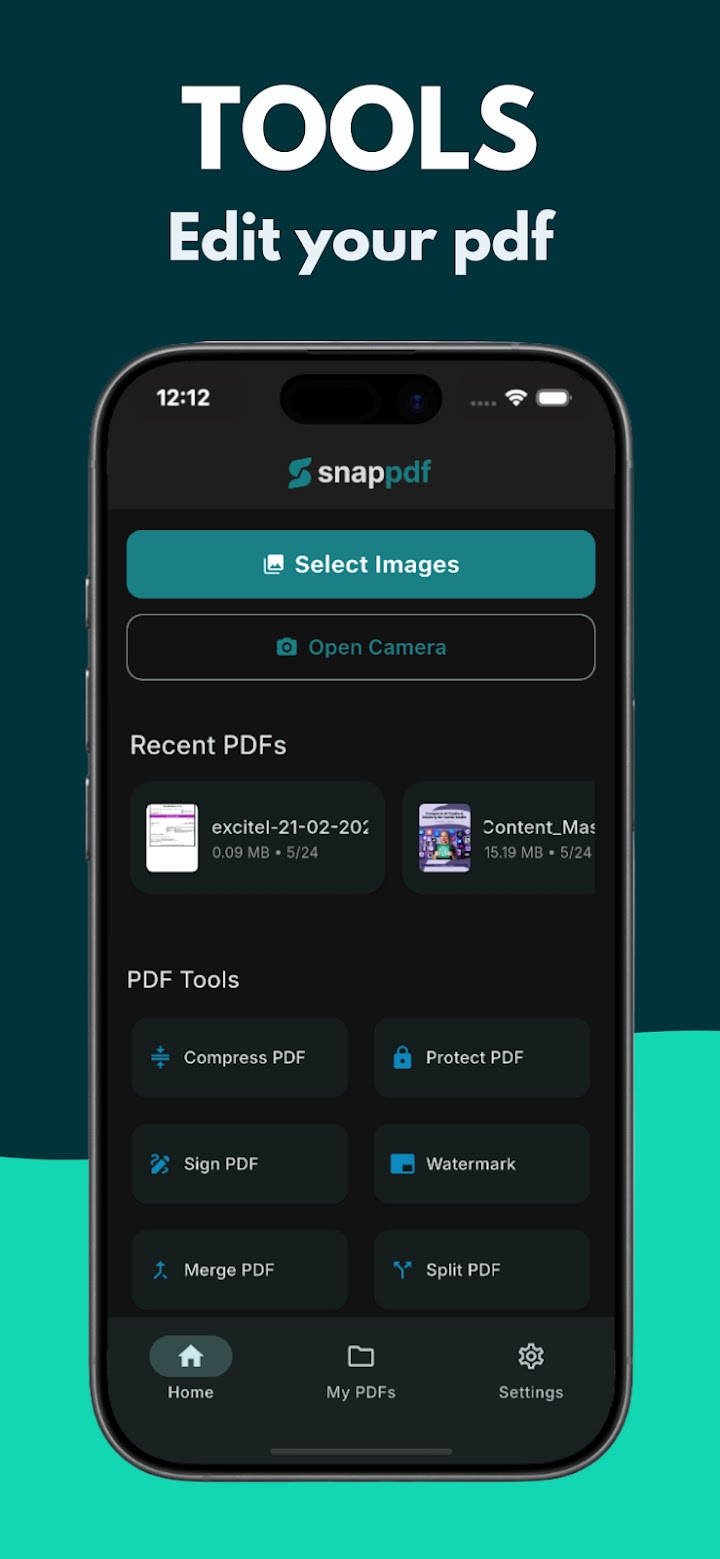
- Merge, split, compress and sign in a few taps
- Core features are free and everything stays on your phone
How it works
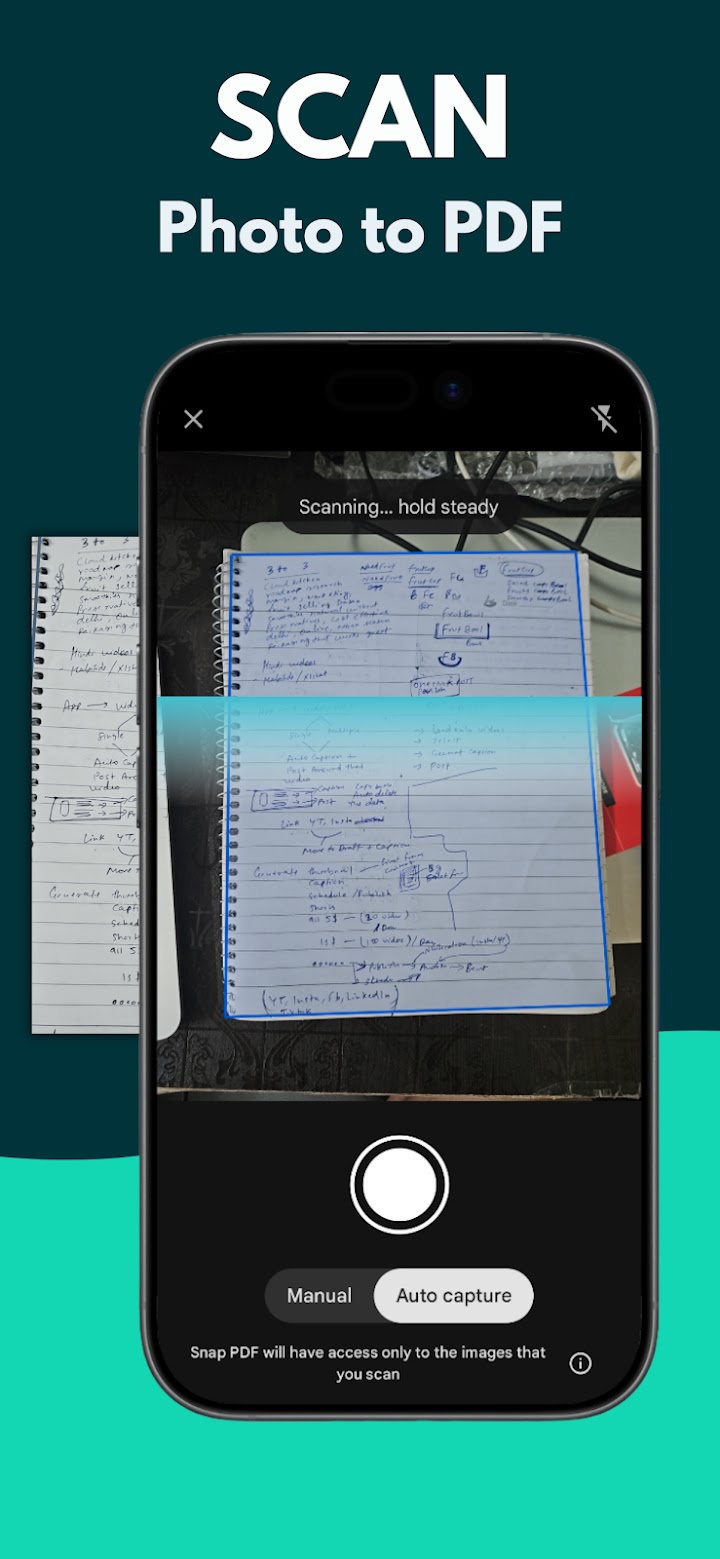
1Scan or importUse the camera or pick photos and files
2Fix it upCrop, filter, reorder, merge or compress
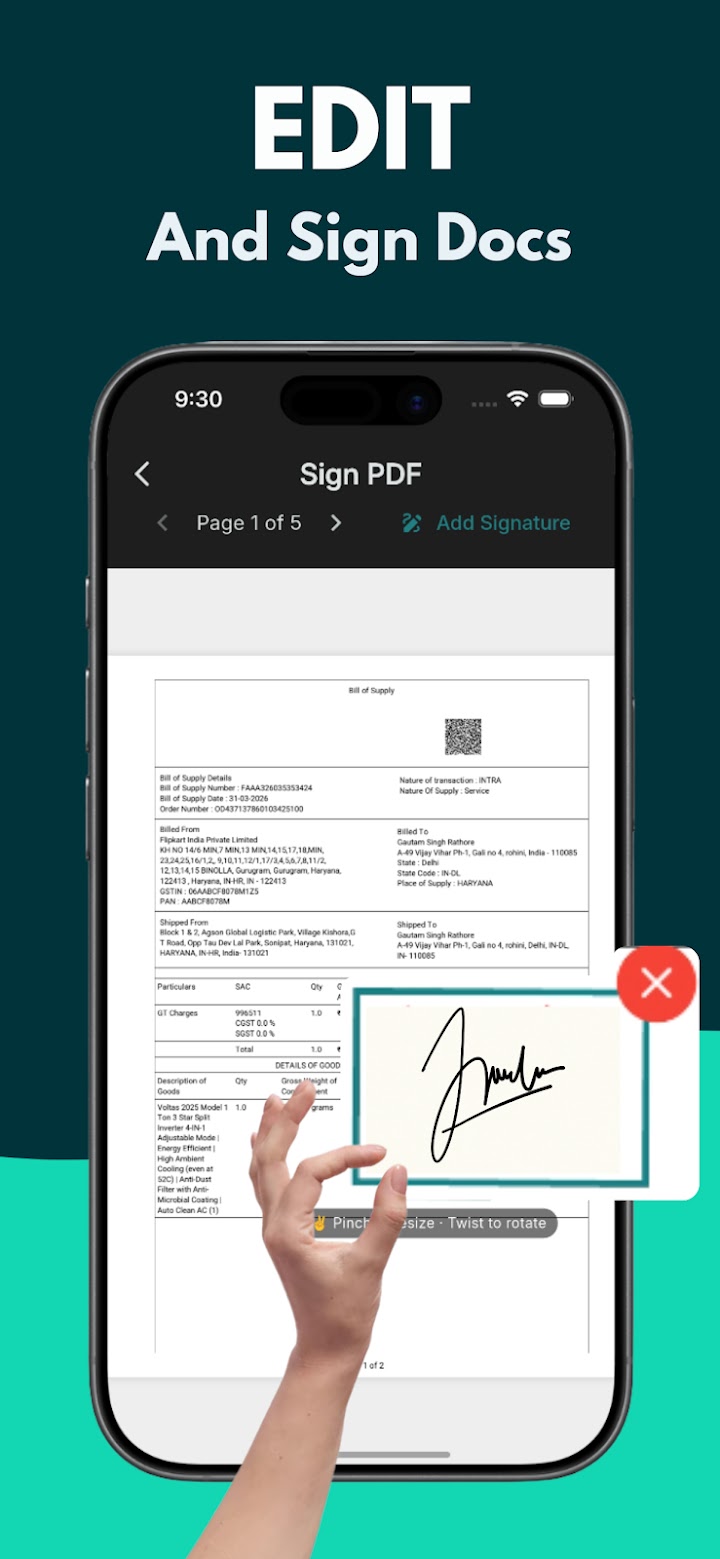
3Share itSign, add a password and send the PDF
What you get
Sharp scansAuto edge detection with black and white or high contrast filters
Merge and splitCombine PDFs or break them into smaller files
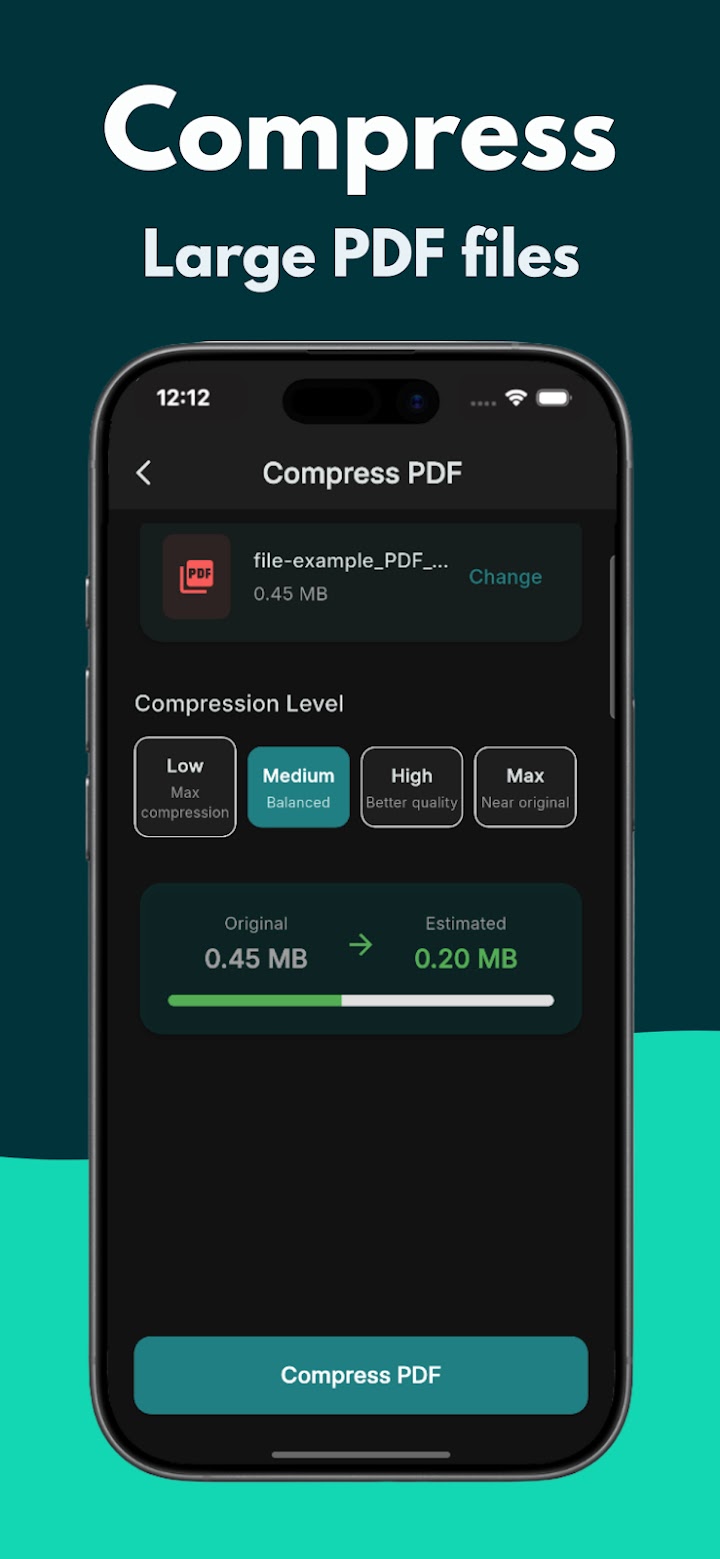
CompressShrink big PDFs so they fit in an email
Sign and protectAdd your signature, a watermark or a password
Works offlineYour documents never leave your device
No watermark on the free planCore features without an account or subscription
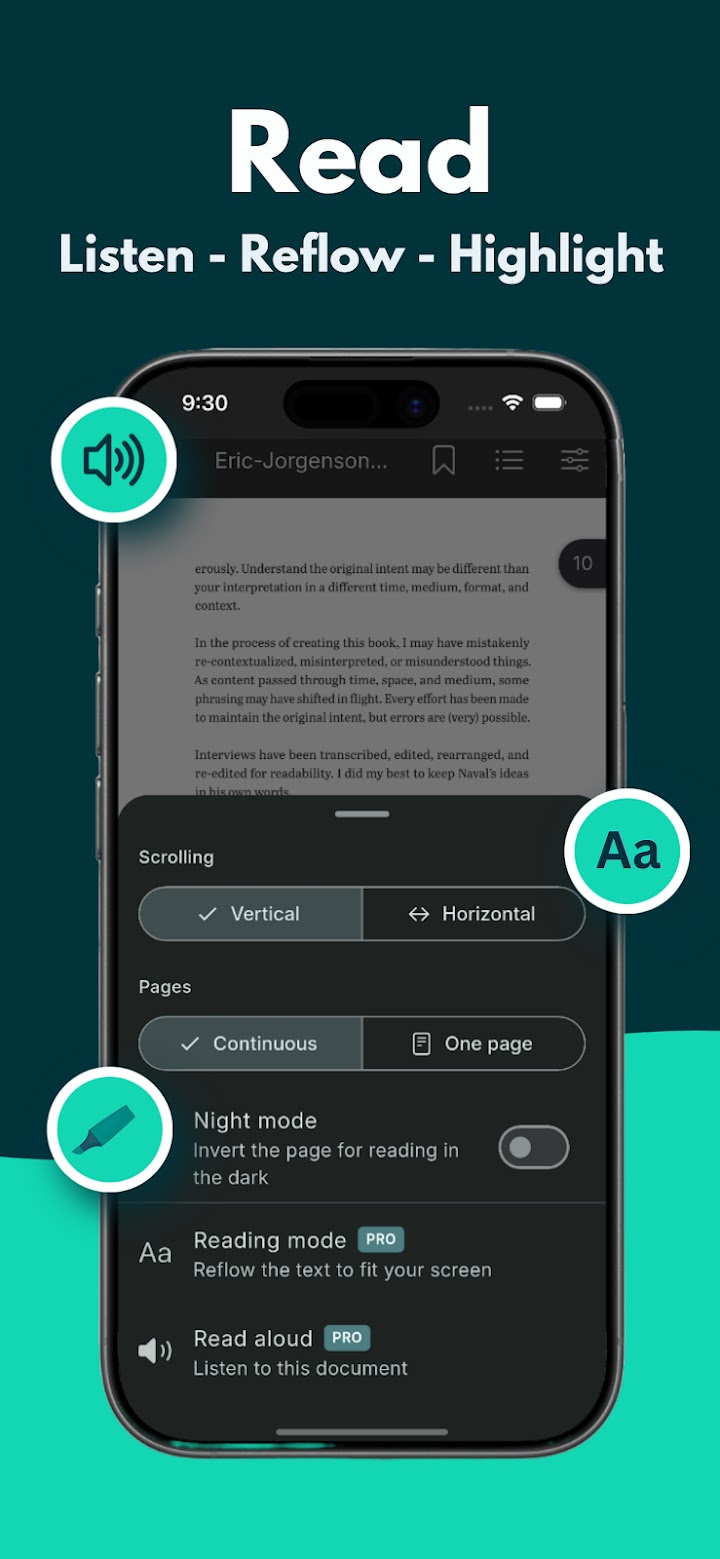
Inside the app
Get SnapPDF Pro
Scan, edit and sign PDFs, all on your phone
 PushPass
 XLSheet AI
 JapMala
 Dress Mirror
 SparkMate
 Habitide
 Apna RSS
 FocusOn
 Shots
Shots XML Viewer
 JSON View : Editor
 NailMirror
 BhaktiDhun